Redeem Maker
FreeBrowser SourceNo Streamer.bot
Browser overlay
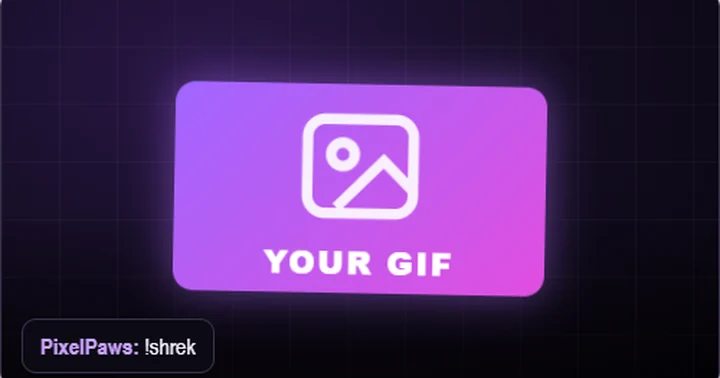
Free channel points and chat redeems for your stream: a chat word or reward shows your picture, GIF or video with sound and animation. OBS dock, no login.
How it works
From this page to your stream
- Add the Browser Source link in your streaming app (OBS, Streamlabs, Meld …): 1920 × 1080, over your whole scene.
- OBS: add the Dock link under Docks → Custom Browser Docks.
- In the dock: type your Twitch channel, press + New redeem, pick a picture / GIF / video and a sound.
- Press Test, then type your chat word in Twitch chat – or use a channel points reward with “Require Viewer to Enter Text”.
0
 0
Set it up here
Your two links
One Browser Source for your scene, one dock to make your redeems. Copy both into your streaming app.
Requirements
- Any streaming app with a Browser Source (OBS, Streamlabs, Meld …)
- Your Twitch channel name, no login
- No Streamer.bot, no install
Free to use
© C4TM30W. Free to use on your own stream through this page. Copying, re-hosting or distributing the tool or its code without written permission is forbidden.